
Integrations
Notion (Hosted link)
Notion doesn’t run scripts. Use your hosted page link instead of the embed snippet.
-
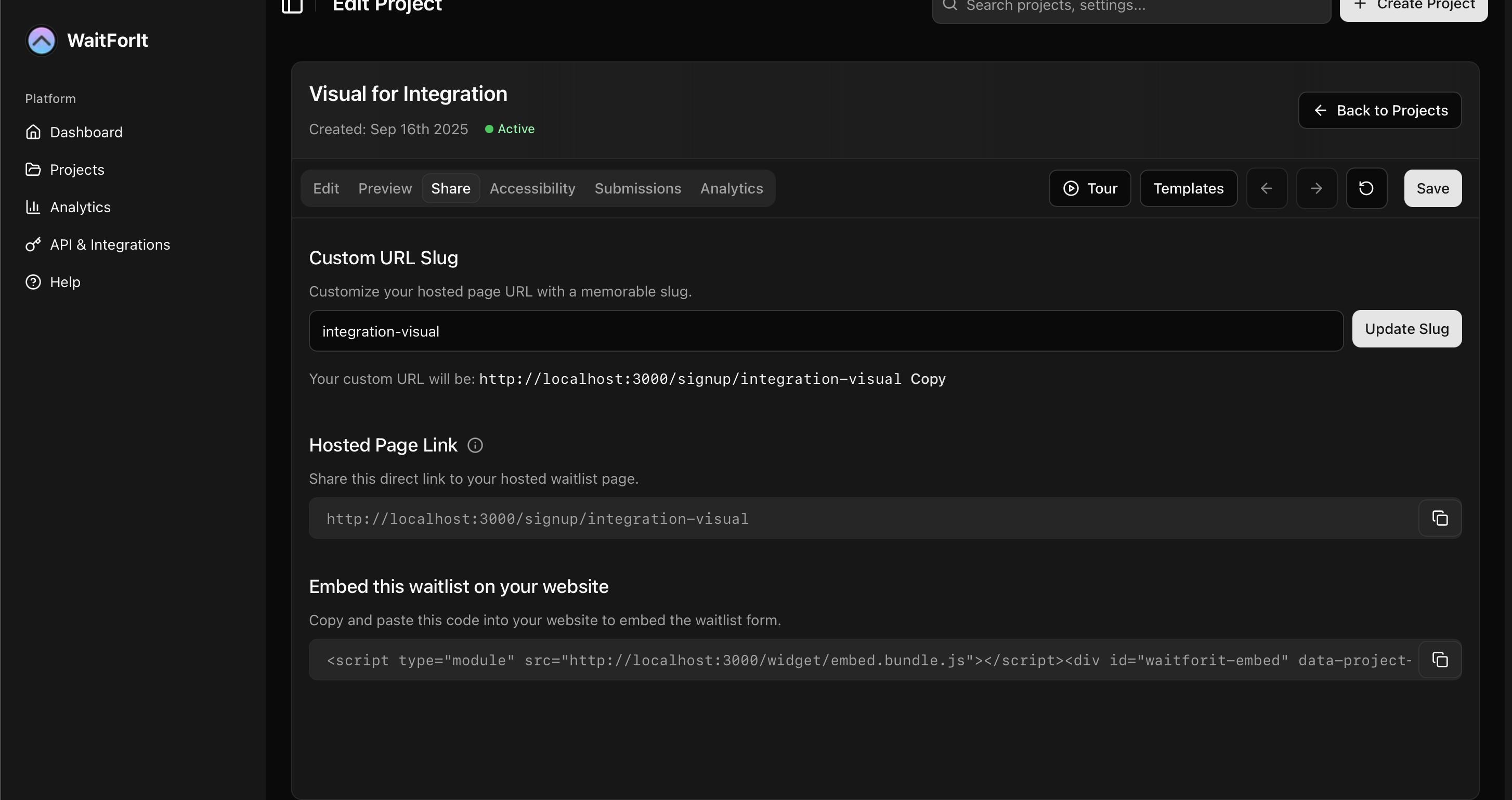
Copy the hosted page link from your dashboard
-
In Notion, type
/embedand choose “Embed”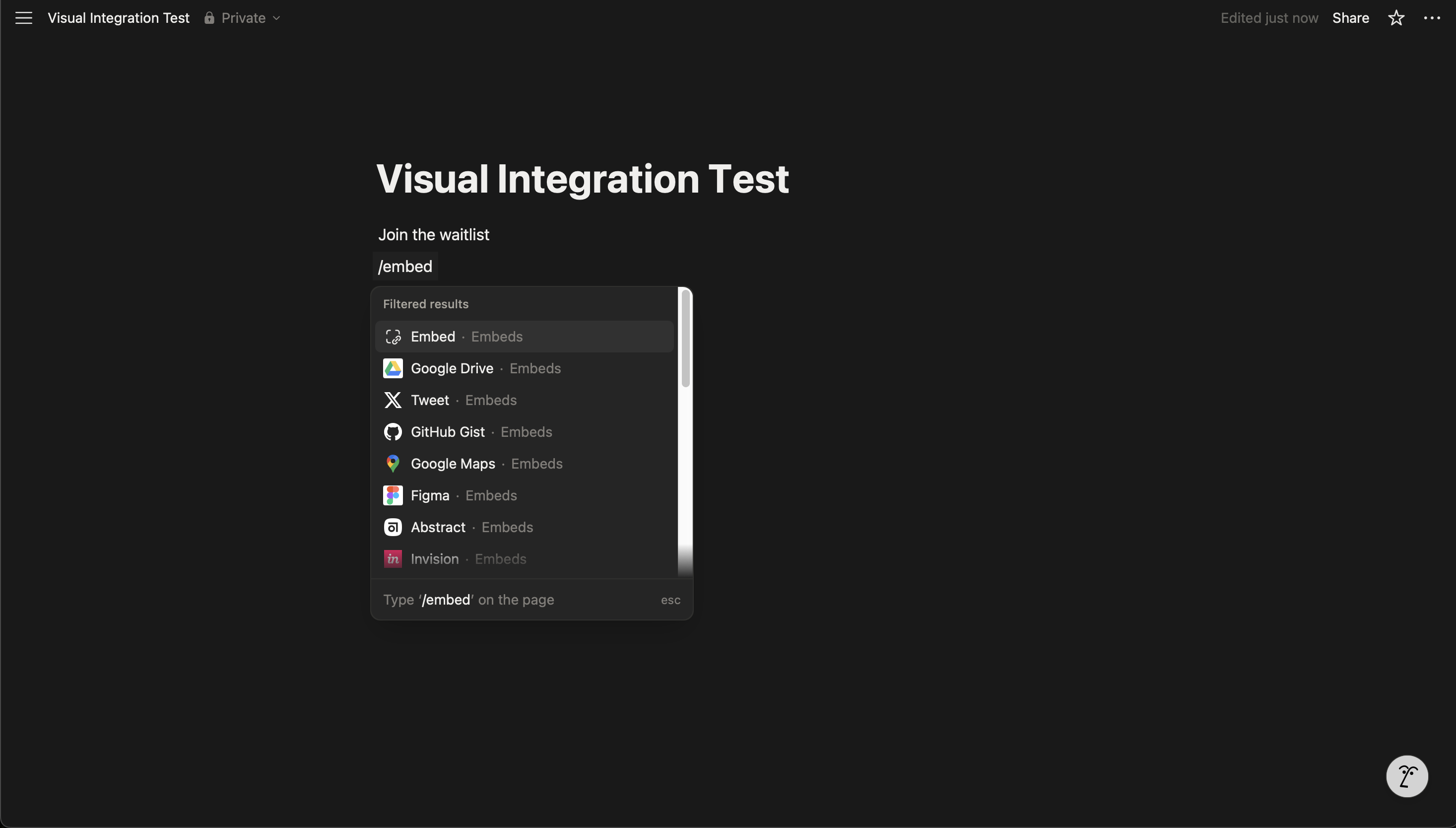
-
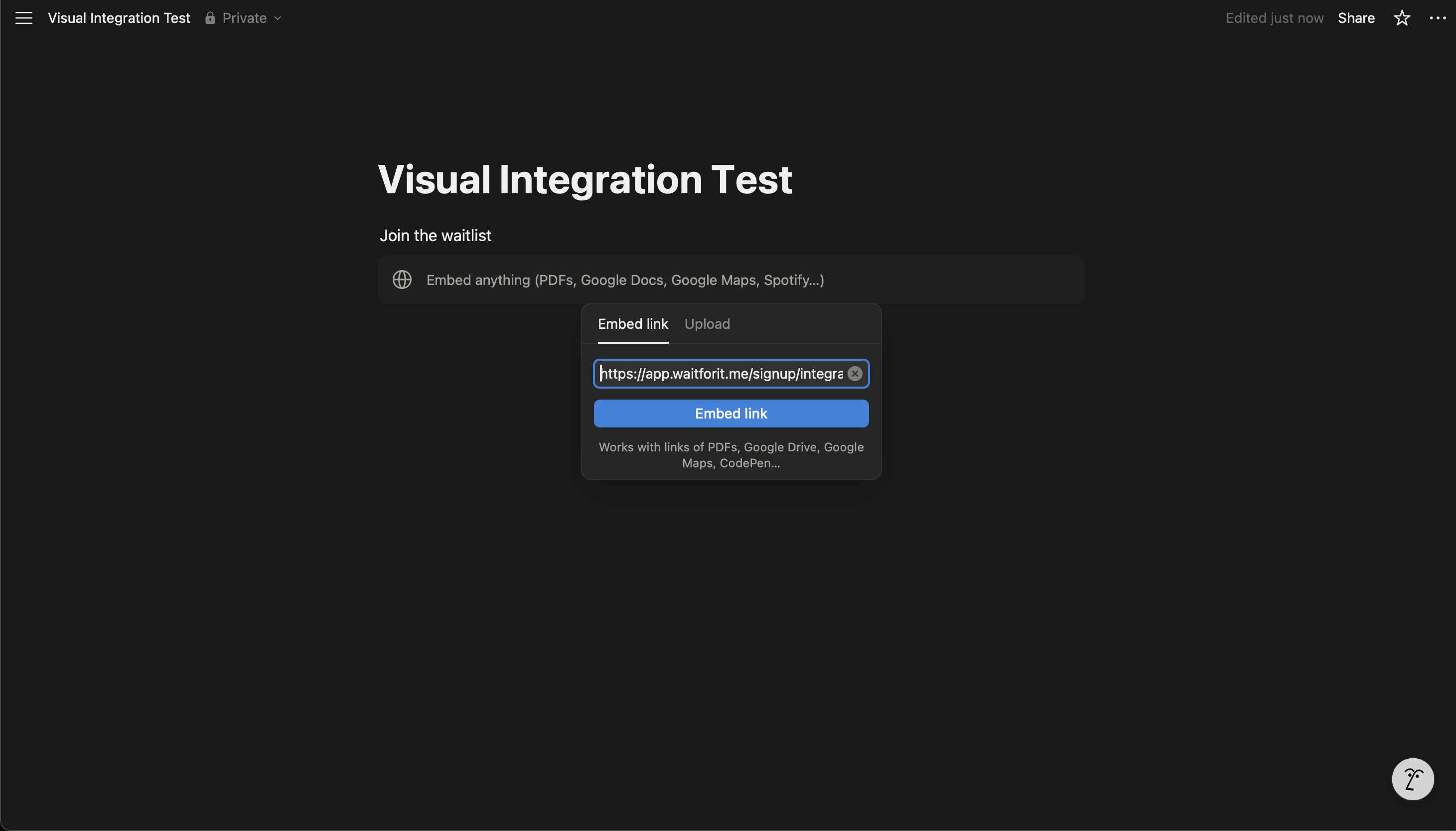
Paste the hosted page link
-
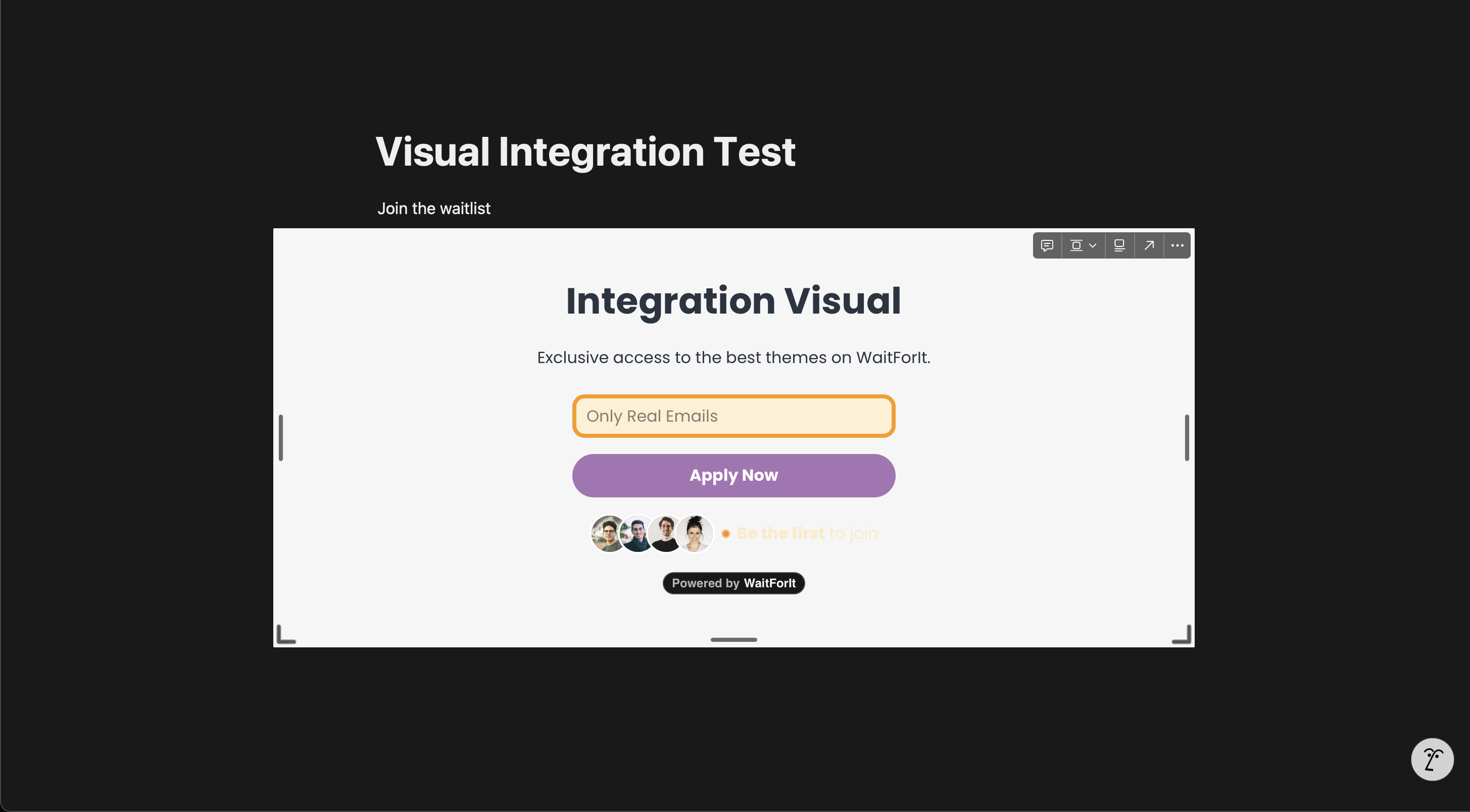
Resize the embed frame if needed, then publish/share and test
Notes:
- Don’t use the script embed snippet; it won’t render in Notion.
- The hosted page reflects your dashboard design/fields automatically.
- If it doesn’t open, check project status and domain.